
Is Discord safe for kids? The short answer is yes, but only with strict parental involvement and activation of safety settings. Discord is a powerful communication platform that provides incredible community benefits for teens, especially those with niche interests. However, its open nature, anonymous user base, and easy access to 18+ content mean it poses significant risks. For Discord to be a healthy space for your child, a proactive, hands-on approach to monitoring and conversation is essential.
🔒 Keep Your Child Safe on Discord
Discord is a fun way to connect—but risks exist. Use FamiSpy to monitor chats, track usage, and maintain a safer, controlled digital environment for your teen.
VIEW DEMOWhat is Discord and Why Do Kids Use It?
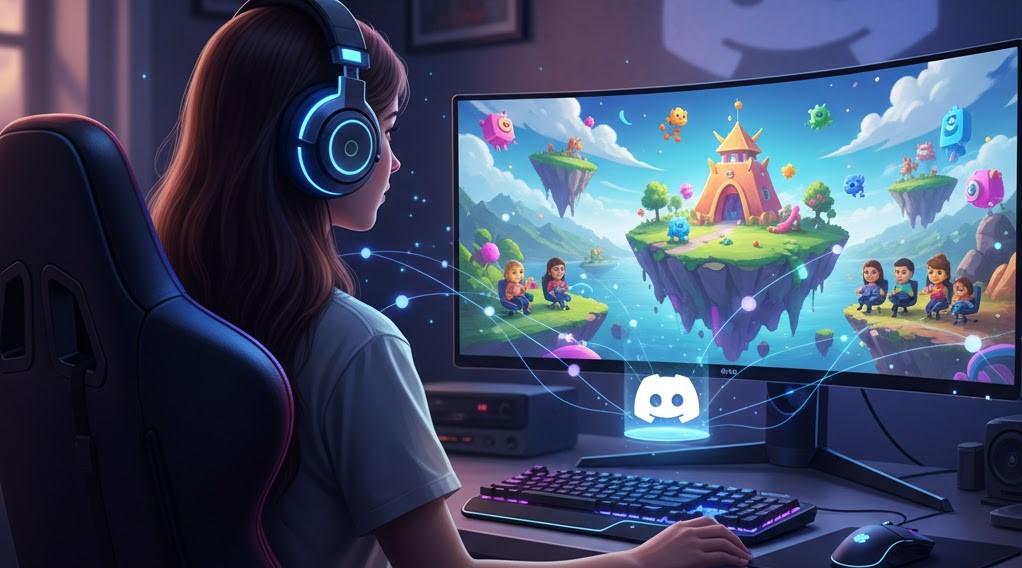
Discord is a free, real-time communication service that has successfully transitioned from being just a gamer chat app to becoming a popular digital gathering place. At its core, Discord is built around Servers, which are customized communities—either invite-only or public—focused on shared interests, whether that’s a specific video game, a favorite musician, school clubs, or study groups.
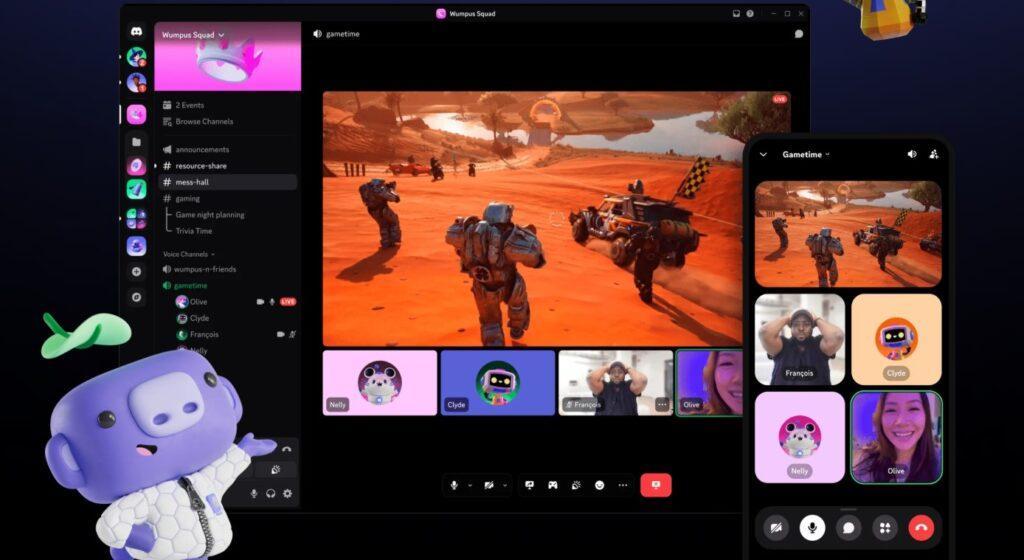
Teens are drawn to Discord because it offers a highly specific, low-pressure path to finding connection and belonging. Unlike the often-curated public feeds of other social media, Discord channels feel more private and focused. Users can hop into voice chat for group gaming, use text channels for quick banter, and even share screens for collaborative activities. It’s less about broadcasting a perfect life and more about simply hanging out with friends and peers who share their exact passions.
Understanding Discord’s Age Policy vs. Maturity
Discord’s official Terms of Service (ToS) sets the minimum age requirement at 13 years old. Every new user must enter a date of birth to confirm they meet this threshold. While Discord relies on self-reporting and works to delete accounts reported as underage, this is a basic safeguard that many children can easily bypass.
Crucially, digital maturity is a more important factor than the number 13. Many app stores categorize Discord as 17+ due to the sheer volume of unfiltered, user-generated content, including adult language and mature themes. Before allowing your child on the platform, assess if they possess the maturity to:
- Navigate toxic language without letting it affect them.
- Identify and disregard unsolicited messages from strangers.
- Maintain strict personal privacy (never sharing identifying details like location, school, or personal photos).
- Ask for help immediately when encountering anything inappropriate or concerning.
Is Discord Safe for Kids? The Key Risks Explained
Parents often ask, “What are the real dangers lurking on Discord?” While the platform does feature excellent safety tools, the following four risk factors demand constant vigilance from parents:
1. The Anonymity Factor and Strangers
Discord is designed to connect people who may have never met in real life. Users are typically identified only by customizable nicknames and avatars. This veil of anonymity allows malicious actors, including online predators, to easily integrate into gaming or hobby communities. They can subtly gather personal details about a child’s interests and then attempt to move the conversation from a public server chat to a private Direct Message (DM), where parental monitoring is virtually impossible without specialized tools.
2. NSFW and Unlabeled Explicit Content
Servers dedicated to adult themes are required to be labeled NSFW (Not Safe For Work). Discord attempts to prevent users under 18 from viewing content in these restricted spaces. However, inappropriate images, links, or highly abusive language can still be shared by users in unlabeled public servers or private group chats. While Discord’s AI works hard to filter this, some harmful content will inevitably slip through the cracks.
3. Toxic Culture and Cyberbullying
Especially prevalent in competitive gaming or loosely moderated communities, the communication style can be highly abusive, containing offensive language, harassment, and aggression. Exposure to this constant toxic dialogue can, even if your child isn’t the primary target, normalize damaging social behavior and lead to significant emotional distress. Cyberbullying, harassment, and intense peer pressure are serious issues that frequently escalate in private group DMs.
4. Financial Risks (In-App Purchases and Scams)
Beyond the optional premium Discord Nitro subscription, children are constantly exposed to phishing scams (e.g., links promising “free V-Bucks” or “game cheats”), and the social pressure to donate or purchase access to exclusive, paid community servers. It is vital to have an explicit conversation about digital finance management to prevent unintended charges to your credit card.
Discord’s Built-in Safety Tools (Step-by-Step)
Discord offers robust settings that parents must enforce to secure their child’s experience. These settings are accessed via User Settings > Privacy & Safety.
- Safe Direct Messaging (DM) Filter: This is your first line of defense. Ensure the filter is set to the highest level, “Keep me safe” (Scan direct messages from everyone). This crucial setting automatically scans incoming messages for explicit content and blurs or blocks the material.
- Disabling DMs from Strangers: To effectively stop unsolicited contact, go to each server your child is in and manually deselect the option, “Allow direct messages from server members.” This ensures only verified friends can initiate private chats.
- Friend Request Filtering: Adjust this to severely restrict who can send your child a friend request. We strongly recommend limiting this to “Friends of Friends” only.
- Teen Safety Assist: This automatic safeguard activates for users under 18. If your teen receives a DM from a first-time sender, Discord immediately issues a safety alert prompting them to block the user or review more safety advice. This feature is automatically enabled and cannot be disabled by the teen.
FamiSpy: Monitoring Beyond In-App Controls
While Discord’s native settings are vital, they ultimately depend on your child maintaining the correct configurations and being fully transparent about their contacts. FamiSpy provides the critical oversight necessary to ensure platform safety by acting as a third-party monitoring solution that your child cannot easily circumvent.
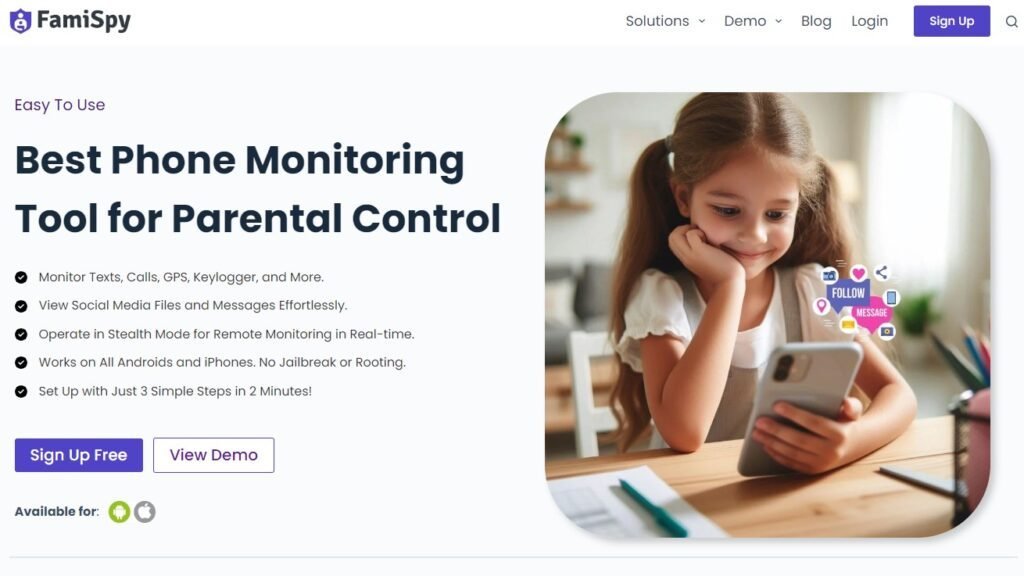
FamiSpy Complements Discord Safety By:
- Detailed Usage Reporting: Leveraging the App Daily Usage Report to monitor the exact amount of time spent on Discord each day, helping parents manage screen time habits and detect signs of obsessive use.
- Keylogger for All Apps: Gaining complete visibility into every message typed within Discord (and other communication apps) to quickly identify inappropriate language, signs of cyberbullying, or concerning exchanges with strangers.
- Remote Screen Capture & Viewing: Remotely capturing instant snapshots (Take Screenshot) or activating the Live Screen feature to view the device’s current display, providing real-time visual confirmation of active servers and ongoing private conversations on Discord.
Using a parental control app like FamiSpy creates a robust safety net, guaranteeing that even if your child changes a key setting or encounters a serious risk, you have the immediate information and control required to intervene effectively.
5 Tips for Parents to Keep Teens Safe on Discord
Before allowing your child access to Discord, you must implement these essential rules and strategies as a family:
- Conduct a Server Audit: Either join every server your child is a part of, or require them to show you the servers they intend to join before they click “Accept.” Always check the #rules channel and review the tone and type of ongoing conversations.
- Establish a Zero-Tolerance DM Rule: Teach your child that they must never engage in Direct Messages with anyone they do not already know and trust in the real world. Double-check that the DM filter setting is fully locked down to “Keep me safe.”
- Discuss “The Over-Share”: Have an open, non-judgemental conversation about what constitutes private information (full name, school, location, photos) and the irreversible risks of sharing it online, even within closed group chats.
- Prioritize Transparency: The most powerful safety feature is a strong parent-child relationship built on trust. Encourage your child to share problematic content with you immediately, without fear of having their account revoked. Make it a mandatory family agreement that you can review their server list periodically.
- Use 2FA: Set up Two-Factor Authentication (2FA) on your child’s Discord account. This prevents unauthorized users from gaining access to their account, even if their password is compromised.
FAQs
Final Verdict: Is Discord Safe for Kids?
Discord is an incredible tool for building community and fostering friendships, which can contribute immensely to a teenager’s digital well-being. However, its open architecture means that the responsibility for safety rests heavily on the parent. If you establish clear expectations, rigorously lock down the privacy settings, and use a reliable monitoring tool like FamiSpy to maintain necessary oversight, Discord can be a safe and enriching experience for your child aged 13 and up. Active parenting remains the best form of digital defense.
Don’t Miss:
- Is Roblox Safe for Kids? A Parent’s Guide to Safety & Monitoring
- Snapchat Sexting: A Parent’s 2025 Guide to Risks & Safety
- Best Hidden Apps to Monitor a Child’s Phone in 2025
- Is CapCut Safe for Kids? A Parent’s Safety Guide
- Is Pinterest Safe For Kids? A Parent’s Complete Safety Guide
- Is Zigazoo Safe for Kids? A Complete Safety Guide for Parents
- GG Meaning: What Every Parent Needs to Know About Slang