


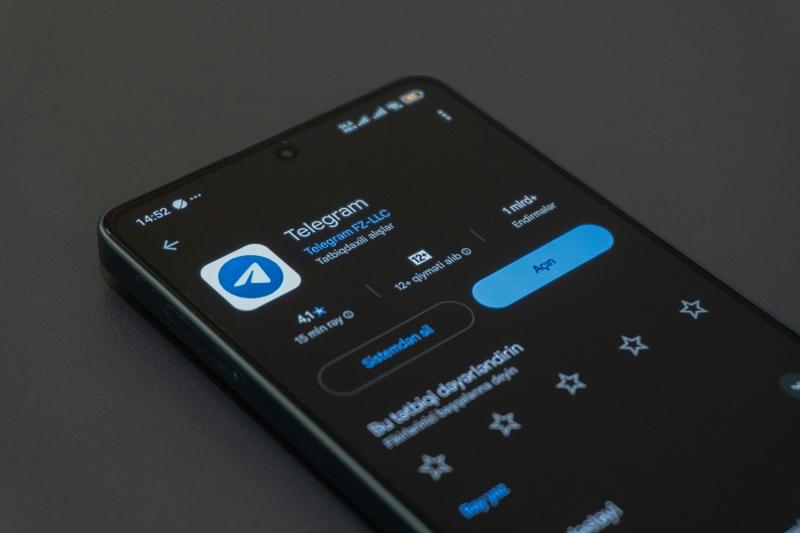
Before you save a conversation on Telegram, understanding the app’s privacy rules is essential. Whether you are managing your own privacy or seeking peace of mind as a parent, the question is crucial: Does Telegram track screenshots?
The technical reality is this: Telegram does not notify users when you screenshot standard chats, but it does send an explicit alert when you capture content within Secret Chats or self-destructing media.
This guide will break down the rules verified in 2025 across major platforms and discuss reliable ways for families to ensure they have the necessary records for safety purposes.
The Core Rule: When Telegram Sends Notifications
Telegram’s policy is simple: if the chat is protected by end-to-end encryption (meaning Telegram itself cannot read it), the app takes extra steps to protect content from being captured.
| Chat Feature | Security Level | Screenshot Policy |
|---|---|---|
| Regular Cloud Chats | Standard Encryption | No Alert Sent |
| Group Chats (Regular) | Standard Encryption | No Alert Sent |
| Profile Pictures | Public Data | No Alert Sent |
| Telegram Stories | Standard Security | No Alert Sent |
| Secret Chats | End-to-End Encryption | Immediate Alert |
| Disappearing Media | High Security | Immediate Alert |
Regular Cloud Chats (Standard Security)
These are your everyday individual and group chats. Content is encrypted but stored on Telegram’s server.
- Policy: No notification is sent when a screenshot is taken. This content is generally safe to capture.
Secret Chats (Maximum Security)
These chats are protected by unique encryption keys held only by the two users. This feature is the highest risk area for capture.
- Policy: A clear alert is immediately logged in the chat history, notifying the other person that a screenshot was captured.
- Platform Difference: On Android, due to system security settings, attempts to capture Secret Chats often result in a black image or a system error message, preventing the capture altogether.
Disappearing Media
Any photos or videos sent with a timer are treated with the same high security as Secret Chats.
- Policy: Capturing this content triggers an immediate notification to the sender.
The Risk of Unreliable Record Keeping
For parents or legal guardians, relying on manual screenshots to document concerns is often unreliable and problematic.
High Risk of Detection
An immediate notification can ruin a parent’s ability to document ongoing concerns or harmful behavior. Once the alert is sent, the child may delete evidence or stop using the channel.
Technical Limitations
As mentioned, Android’s OS security often blocks the screenshot of sensitive content entirely, leaving you with useless black images.
Missing the Full Context
A screenshot captures one image. It doesn’t capture deleted messages, previous conversations, or the overall frequency of the chat. Reliable safety measures require a comprehensive history.
Three Common but Inconsistent Capture Methods
While not recommended for serious record keeping, these are the typical methods users attempt when trying to save sensitive content:
| Capture Method | How It Works (The Idea) | Major Drawback (Why It Fails) |
|---|---|---|
| Method 1: Secondary Camera | Using a separate smartphone or camera to physically photograph the screen content. | Low Quality: Poor lighting, glare, and low resolution make the captured text unreliable for detailed record keeping. |
| Method 2: “Airplane Mode” Workaround | Quickly enabling Airplane Mode before capturing the screen, hoping to block the notification from sending. | Inconsistent Sync: The pending notification often queues up and sends the alert immediately once the device reconnects to the internet. |
| Method 3: Telegram Desktop | Using a computer’s native screenshot tools (like Print Screen) while logged into the desktop app. | Secret Chat Limitation: This method fails completely as Telegram’s secure Secret Chats do not sync to the web or desktop applications. |
Supporting Family Safety: Essential Record Keeping Tools
For parents who need to maintain accurate records of digital communication for their child’s protection—such as documenting cyberbullying, exposure to illegal content, or inappropriate contact—relying on unreliable, manual screenshots is not an option.
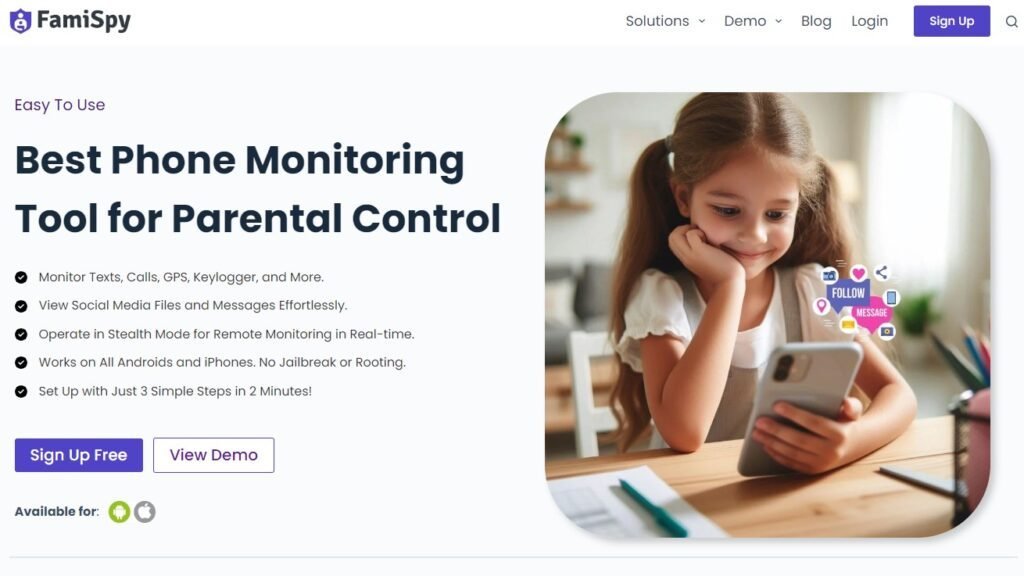
Professional software exists to help guardians keep a complete record of activity on devices used by minors. FamiSpy is designed as a family safety and record-keeping tool to ensure data integrity when addressing online risks.
The Role of FamiSpy in Data Integrity
Instead of risking detection with manual screenshots, tools like FamiSpy provide detailed, system-level documentation of a child’s Telegram activity:
- Automated System Capture: The software is designed to capture and log activity within apps like Telegram to ensure parents have documented evidence of communications.
- Comprehensive Logging: The Keylogger feature records the text content of conversations as they are typed. This feature is particularly useful for bypassing the black screen issue on Android, ensuring that the actual text (the most important evidence) is always secured, even when visual capture is technically blocked by the OS.
- Centralized Record Keeping: All documented activity is uploaded to a secure, private dashboard, creating an accessible record for parents to review and use if necessary for law enforcement or school administration.
Getting Started with FamiSpy (Record Keeping Setup)
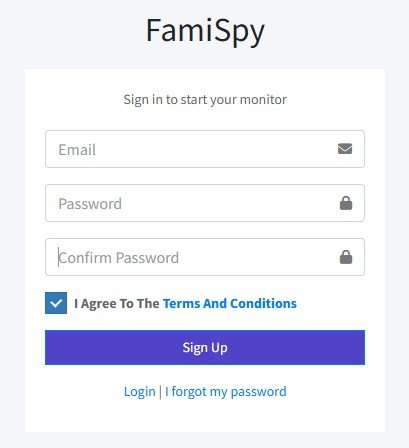
Step 1. Account Setup: Create an account on the FamiSpy website.
Step 2. Device Configuration: Follow the provided instructions to properly configure the software on the minor’s device.
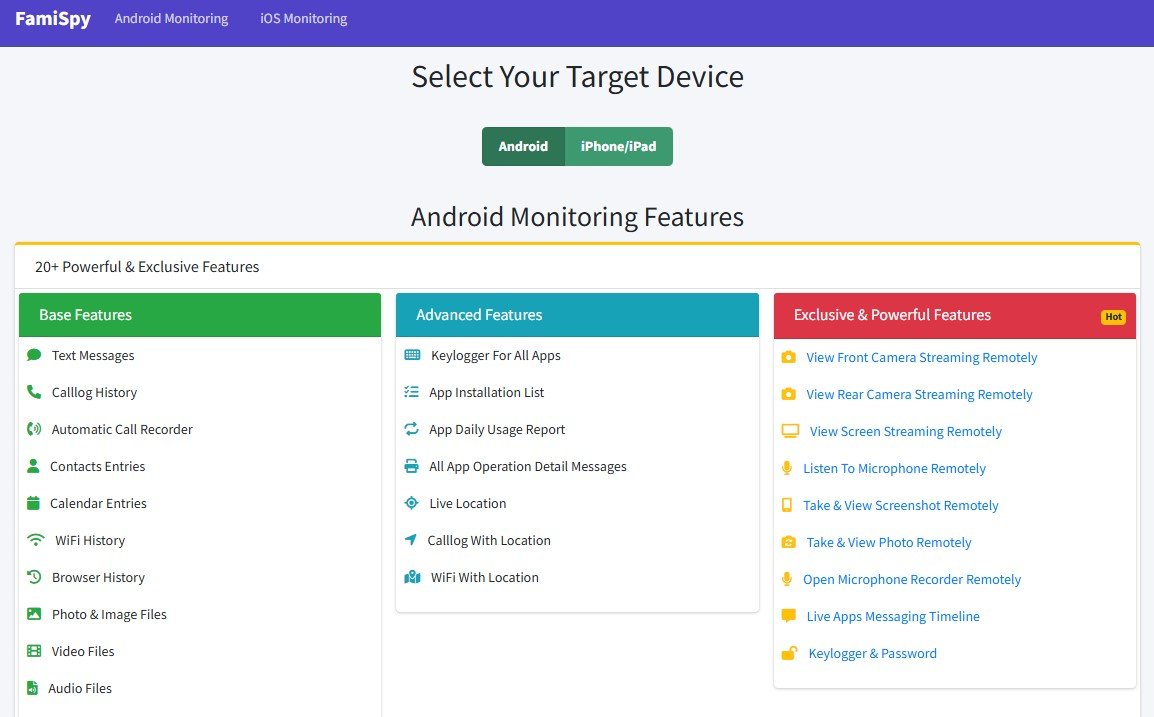
Step 3. Review Dashboard: Access the secure FamiSpy dashboard remotely to review logged data and ensure accurate record keeping for family safety purposes.

FAQs
Conclusion
Understanding Telegram’s privacy settings is the first step toward digital safety. While standard chats are safe to screenshot, capturing content in Secret Chats will trigger an alert, instantly compromising your ability to collect sensitive information.
For parents and legal guardians focused on reliable record keeping and data integrity to safeguard their family, traditional manual screenshots are too unreliable. Tools designed for parental oversight, such as FamiSpy, offer the necessary comprehensive logging features to maintain accurate, secure documentation of online activity.