
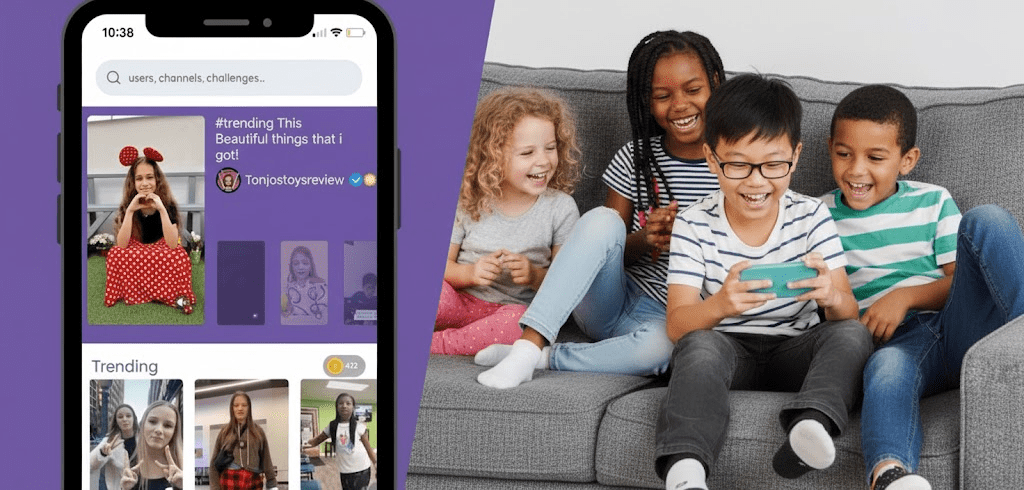
Is Zigazoo safe for kids? Yes — it’s widely regarded as one of the safest social media options for children. Designed by educators, the platform enforces strict rules, including mandatory human content review and no private messaging. This setup removes the biggest risks, providing a secure and positive digital space. Still, even with these protections, parents should understand the potential risks and tools needed to ensure a truly safe experience.
🔒 Strengthen Your Child’s Zigazoo Safety
Even safe apps don’t manage screen time or external chat risk. Use FamiSpy for monitoring usage patterns and gaining complete digital insight.
VIEW DEMOWhy Zigazoo is a Safer App for Children?
Parents often worry about apps like TikTok. Zigazoo offers a completely different, positive way to use a phone.
Instead of just watching videos, kids participate. They respond to challenges that teach creativity and skills.
This simple change moves your child away from endless passive scrolling and toward actively creating something. It’s a much healthier start to social media.
Where Zigazoo Improves Social Media Safety (vs. TikTok)
It helps to see the direct comparison. Here is how Zigazoo avoids the risky features found on most mainstream platforms:
| Safety Feature | Zigazoo | TikTok / Instagram | Why It Matters to Parents |
|---|---|---|---|
| Content Screening | ✅ Human Review | ❌ Mostly Computer Filters | Real people stop inappropriate content before it goes live. |
| Direct Messaging | ✅ Prohibited | ❌ Available | Strangers cannot send private messages to your child. |
| Account Setup | ✅ Verified Parental Consent | ❌ Kids can easily lie about their age | Ensures you know the account exists and can manage it. |
In simple terms, Zigazoo removes the core features that typically make social apps risky: private messaging, unfiltered content, and endless feed scrolling.
Zigazoo Safety Features for Young Kids: The Power of Moderation
The best part of Zigazoo is how they keep the content clean. Every video posted to the public feed is looked at by a human reviewer before anyone else sees it.
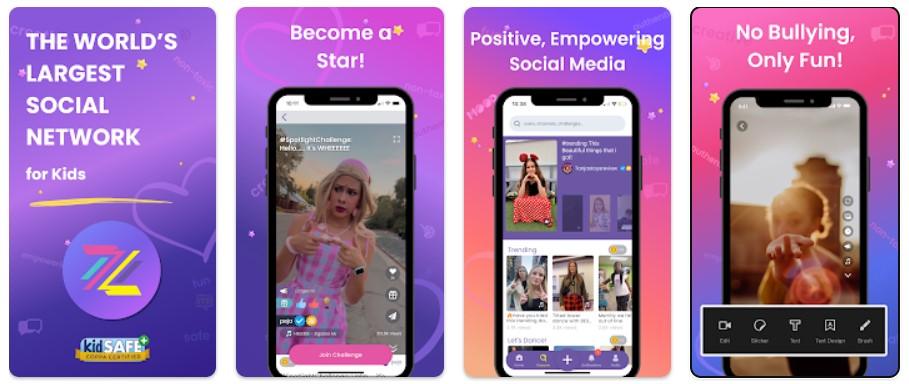
This process stops bad, violent, or overly suggestive videos from ever reaching your child’s feed. It’s why the platform earns strong safety feedback from parents.
Also, kids talk using video responses, not written comments. This makes it much harder for text-based bullying or inappropriate chats to happen.
What Parents Should Know About Zigazoo
Even safe platforms require your attention. Parents still need to address a few potential issues:
- Unintentional Personal Details. When filming challenges, kids might accidentally show a school uniform, their address number, or unique items in their background. Small things can give away too much information.
- Privacy Settings on Each Video. The app lets users choose the privacy setting for every single video. If your child forgets to tap “private,” that video could be briefly visible to more people than you intended.
- In-App Purchases. Zigabucks (digital money) require parental approval, but the verification step is sometimes easy to bypass. Set up strong device-level purchase passwords just in case.
How Parents Can Keep Kids Safe on Zigazoo
Here are the easy steps you can take to make the experience safer at home:
1. Create a Safe Filming Spot. Choose one neutral background at home. Keep uniforms and identifiable personal items off-camera. This minimizes accidental background disclosures.
2. Review Privacy Together. Make it a family rule: every video stays private until a parent approves it. This prevents accidental broadcasting.
3. Weekly Check-Ins. Review your child’s posts together. This is digital coaching—not spying—and a great way to talk about healthy online habits.
4. Talk About Oversharing. Explain that even a safe app cannot stop someone from taking a screenshot and sharing it elsewhere. Kids respond well when they understand the “why.”
When Is Zigazoo NOT the Right Fit?
While Zigazoo is safe, it doesn’t work for every child.
The app requires kids to record themselves for challenges. If your child is very shy, anxious about being on camera, or finds video creation stressful, another type of educational app might be a better starting point.
FamiSpy: Strengthening Parental Oversight on Zigazoo
Zigazoo does a great job of keeping bad videos out, but it can’t tell you what your child is doing on the rest of their phone or how long they are using the app.
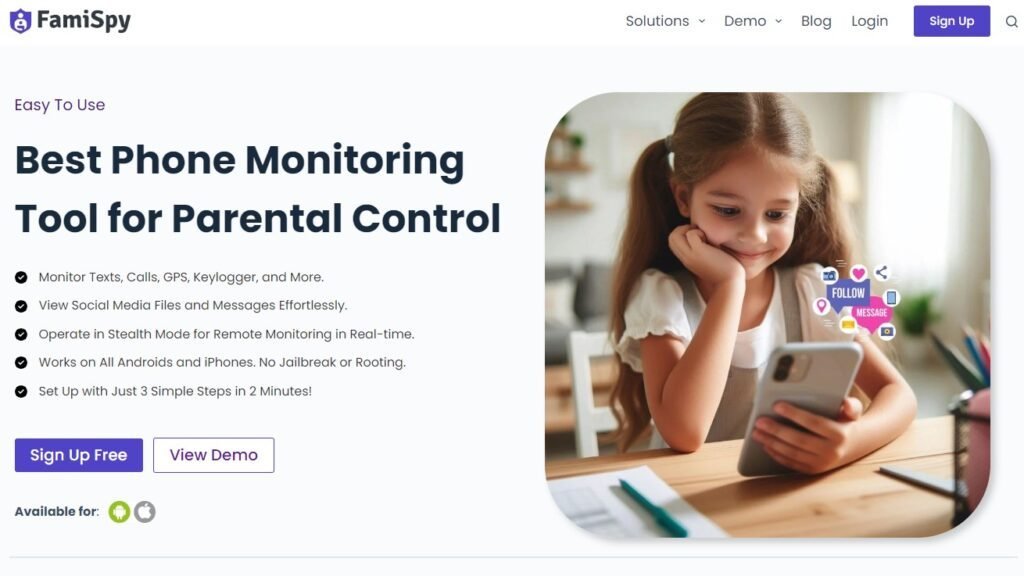
That’s where a good parental control app steps in. FamiSpy works with Zigazoo by giving you clear reports. You can quickly check the App Daily Usage Report to see if your child is spending too many hours filming challenges. Plus, tools like the Keylogger and Location Tracker give you assurance about who they’re talking to and where they are. It’s a simple way to get better insight and keep those digital habits balanced.
FAQs About Zigazoo Safety
Conclusion: Is Zigazoo Safe for Kids?
Overall, yes. Its design (human moderation, safe interactions, and zero messaging) makes it one of the most parent-friendly social platforms for younger children. Combined with your supervision and, when needed, parental controls, children can enjoy a creative and secure digital space. If you’re looking for an easier way to monitor activity and gain digital insight across apps, a parental control tool like FamiSpy can make daily supervision simpler and less stressful.
Don’t Miss:
- Is Twitch Safe for Kids? What Every Parent Should Know
- Can Family Link See Browsing History in 2025? | What Parents Must Know
- Can I Mirror My Child’s Phone to Mine? A Complete Guide for Modern Parents
- What Does NSFW Mean? A Parent’s Guide to Online Safety for Kids
- Simp Meaning Explained for Parents: Teen Slang, Risks, and Boundaries
- 1437 Meaning: The Complete Guide to This Viral Love Code